YouTube channel on autopilot — a finished video every day
Dencevid picks the topic for your channel, writes the script, records the voice, composes original music and edits the video. Shorts and long videos come ready with SEO, tags and a thumbnail — you watch and approve.
Example
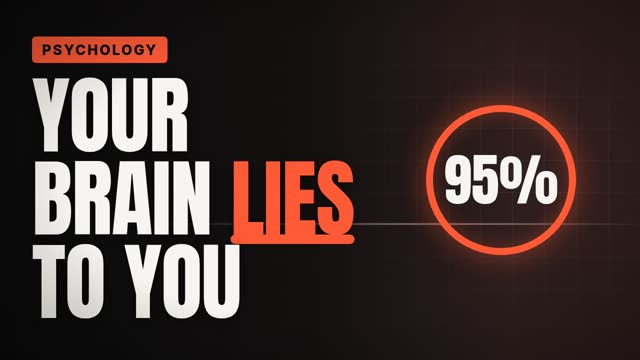
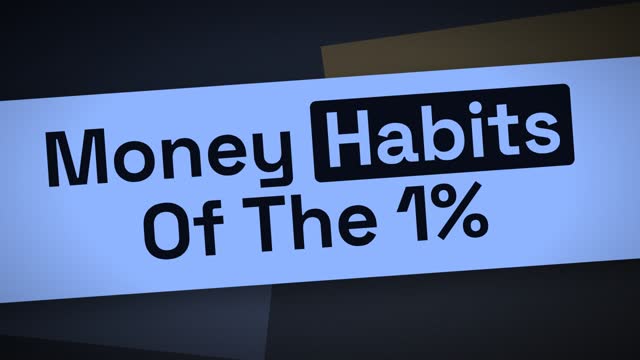
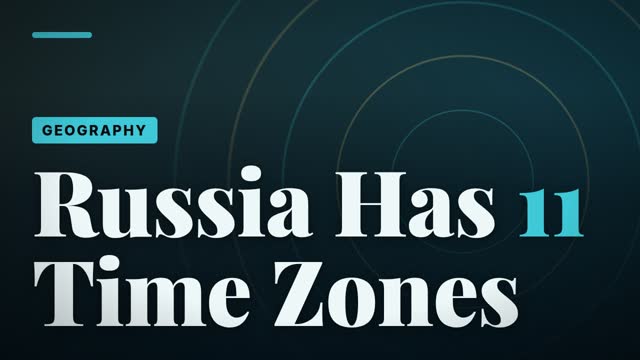
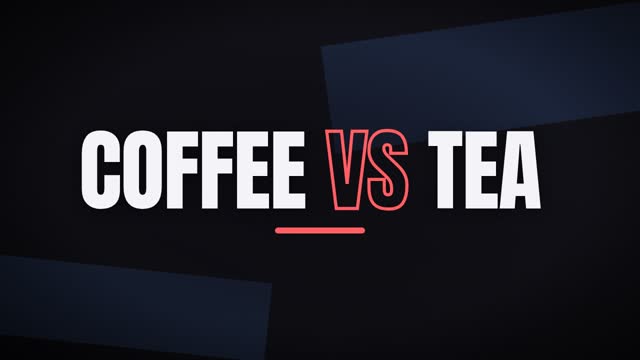
How it works
Channel and niche
Sign up, add your channel and pick a niche: facts, finance, geography, how it works, comparisons, psychology or your own topic.
A video every day
The system produces Shorts and long videos on schedule. When one is ready, the Telegram bot sends it to you.
Approve — and it goes live
Watch the video in the panel or the bot and approve it. It uploads to your channel at the scheduled time.
Features
Fully automated production
Topic, script, narrator voice, music, editing — all inside the system.
Original music
Music is composed for every video — not taken from a stock library.
Professional editing
Text in sync with speech, counting numbers, charts and icons, camera moves, transitions.
SEO ready
Title, a full description, 12–18 tags and hashtags; chapters and a thumbnail for long videos.
You stay in control
Nothing goes live without permission: approve, reject or request a re-render.
Telegram bot
Finished videos arrive in the bot — with approval buttons, daily reports and reminders.
Who it is for
- People starting a new YouTube channel
- Faceless channel owners
- Entrepreneurs running several channels
- Anyone who needs regular content but has no time
FAQ
What language are the videos in?
English — for YouTube’s largest international audience. You can run the panel in Uzbek, Russian or English.
Can a video go live without my permission?
No. Every video waits for approval: you watch it, approve it or request a re-render.
Will I get music copyright claims?
No. The music is composed by the system for each video — an original work.
How do I connect my YouTube channel?
Add your channel after signing up — our team connects it via secure Google OAuth.
How many videos per day?
It depends on the plan: the number of Shorts and long videos is set by the plan and adjusted in the channel settings.
How do I pay?
Via Telegram support (@dencevid) in UZS. Monthly subscription; switch plans anytime.
Plans and pricing
Monthly subscription, paid in UZS. Pick a plan and pay via Telegram support.
Other services
AI video generator
Create AI videos from text or an image: 7 models, up to 15 seconds, 1080p, with sound. For ads, Reels and Shorts. See the price before you create.
Automatic subtitles for your videos
Automatic subtitles for Reels, Shorts and TikTok: Uzbek, Russian and English speech, 30 animated styles, edit any word, SRT export.
AI auto editing
AI edits your video like a pro: 37 animated templates, 19 transitions, cuts pauses and retakes, adds music and subtitles. You can change every detail.
Text to speech
Turn text into natural speech: 6 voices in Uzbek, Russian and English, up to 5,000 characters, a pronunciation dictionary for brands.
Speech to text from audio and video
Transcripts from audio and video: Uzbek, Russian and English detected automatically, up to 60 minutes, speaker separation, TXT, SRT and VTT files.
AI image generation and editing
Create images from text or edit your photos with AI: 3 models, up to 4K, 9 aspect ratios. For posts, banners and covers. Turn images into video.